• Skip to primary navigation
  • Skip to main content
  • Skip to primary sidebar

Jack and Mo

A Boutique Design Agency | Logo Design & Love For Your Brand.

  • Home
  • About
  • Work Together
    • Design Services
    • Design Shop
  • Portfolio
    • Logo Portfolio
    • Brand Style Guides
  • Kind Words
  • Blog
  • FAQ
  • Contact

What is Image Resolution?

Art, Design Topics, Graphic Design, Understanding Graphic Design

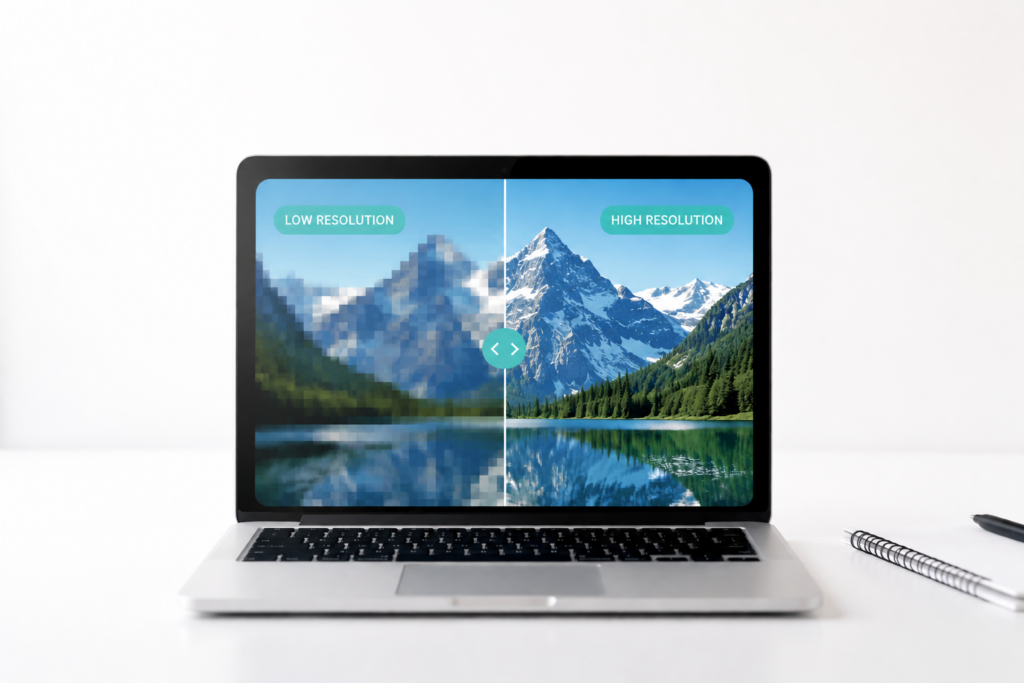
Image resolution is something that trips up a lot of my clients when they embark on printing or design projects on their own. Why does this image look blurry when I make it larger? Why can’t I print this graphic in poster size? The answers all come down to image resolution.

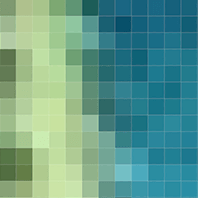
Raster files (also called rasterized images or pixel-based images) are made up of a series of dots. Common raster file types you may be familiar with are JPG, JPEG, JPEG2000, TIF, RAW, GIF, BMP, PNG.An up-close and personal view of a raster file may look something like this:

Pixels up close and personal

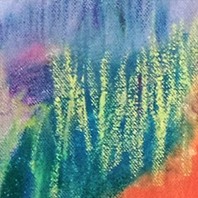
When you zoom out, the same image looks like this: Pixel/rasterized image zoomed out Pixels have limitations. The number of dots within a confined space cannot be increased. When these dots are made larger, the quality isn’t increased, and cannot be increased- only the size is increased. So, the larger you make the pixels (dots), the blurrier your image will become. Is that clear as mud yet?

You can only save a pixel file down in size. It cannot be made larger. How can you be safe? Always keep the largest image size possible on hand. You can always save down in size. You cannot save up.

When editing a file, always create a duplicate rather than saving over your original. Vector-based files are another solution for avoiding pixel problems. When printing, an image should be at least 300 dpi (dots per inch) or 300 ppi (pixels per inch) but many professional presses may request higher (350+).

When preparing files for the web, you may want around 150 dpi to increase file loading time. The larger the image (the more pixels present), the longer it takes for images to load on the web. However, with retina displays, devices can display over 300 ppi.

Are you having pixel problems? Don’t hesitate to post your Q below.

You might also like

  • why deep work is important

    Why Deep Work is Important

  • how to edit your own graphics

    Ways To Make Edits To Your Own Graphics

  • Painting by Sarah Boyts Yoder: Team Stripe #2, Gorgeous Color Palette Inspiration of Warms and Cools

    Free Color Palette: Warms and Cools

dots per inch, pixel-based, pixels per inch, raster, rasterized images, understanding graphic design, what is a pixel

Primary Sidebar

Love Jack and Mo Logo Design

LOVE JACK AND MO

Sharing tips, tricks, resources on logo design + branding #creativemagic

HELP FOR NEW CLIENTS

How To Create The Perfect Logo

How To Name Your Business

Why Trendy Script Fonts May Not Be Right For Your Logo

How to Write a Tagline in 3 Easy Steps

Color Psychology + Branding

Creating a Website With Limited Cash Flow

4 Steps to Creating a Logo

Why Pinterest Can Be Bad for Branding

Gold Foil… How Do You Print It? 

What is Image Resolution?

Understanding Commercial Font Licensing

Detailed Logos- Solutions For Making It Work

What Is The Difference Between RGB and CMYK Color?

What Is The Difference Between Vectors and Pixels?

How To Get Color Codes For The Web

FREEBIES

Beautiful Desktop Wallpapers {1}

Desktop Wallpapers {2}

Free Color Palette: Boundaries Blues

Free Color Palette: Botanical Abstract

Free Color Palette: Tropical Tones

more…

  • Email
  • Facebook
  • Instagram
  • Phone
  • Pinterest

  • Home     About     Portfolio     Work Together     Blog     FAQ     POLICIES     Contact


JACK + MO © 2008 - 2026