1. Pixlr — Free, Browser-Based, Beginner Friendly
- Website: Pixlr
- Perfect for resizing, cropping, or making quick edits to images.
- Works entirely in your browser — no installation needed.
- Free version is fully capable for minor tweaks, and the interface is simple for beginners.
2. Canva — Free & Paid, Easy Design Tools
- Website: Canva
- Ideal for beginners who want drag-and-drop simplicity.
- Offers free and pro versions; Pro unlocks premium elements and higher-resolution exports.
- Great for social media graphics, simple logo adjustments, or combining images and text.
3. GIMP — Free, Advanced Editing
- Website: GIMP
- Open-source software that mimics Photoshop’s functionality.
- Free to download and use, but the interface can feel complex for beginners.
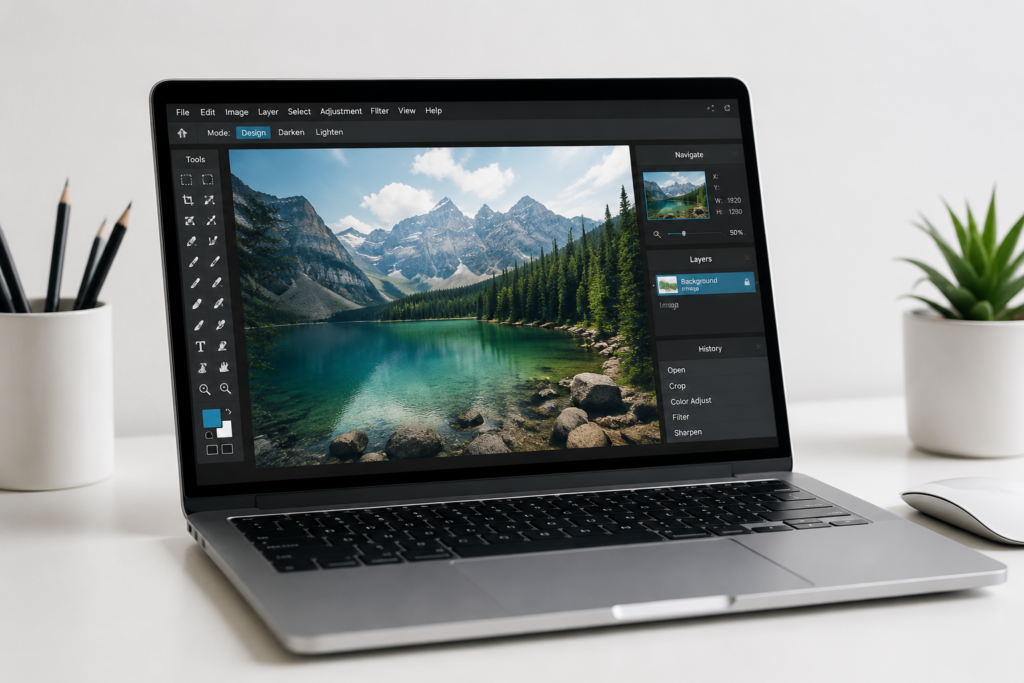
- Excellent for precise edits, photo manipulation, and working with layers.
4. Adobe Photoshop Elements — Affordable Desktop Editing
- Website: Adobe Photoshop Elements
- One-time purchase (~$100) for a simplified version of Photoshop.
- Great for minor edits like resizing, color correction, and basic image enhancements.
- Can be used on desktop or tablet for more flexibility.
5. Adobe Creative Cloud — Professional-Level Editing
- Website: Adobe Creative Cloud
- Industry-standard suite for professional designers.
- Includes Adobe Illustrator (for EPS/AI files), Photoshop, and other design tools.
- Subscription-based, but essential if you want full control over vector files, layered graphics, and advanced edits.
6. Figma & Photopea — Browser-Friendly Alternatives
- Figma: https://www.figma.com/ — Great for vector-based design and collaborative editing. Free tier available.
- Photopea: https://www.photopea.com/ — Free, browser-based editor compatible with PSD, AI, and SVG files; excellent lightweight Photoshop alternative.
Tips for Beginners
- Start small: resize images, adjust colors, or tweak text before diving into advanced editing.
- Use templates where possible to maintain a professional look.
- Export high-resolution versions of your final work to avoid pixelation.
- Experiment and practice — even free tools can do a lot once you get comfortable.
💡 Pro Tip: If you’re editing logos or client branding files, keep a copy of the original file safe before making changes. This protects your master file and ensures edits are reversible.